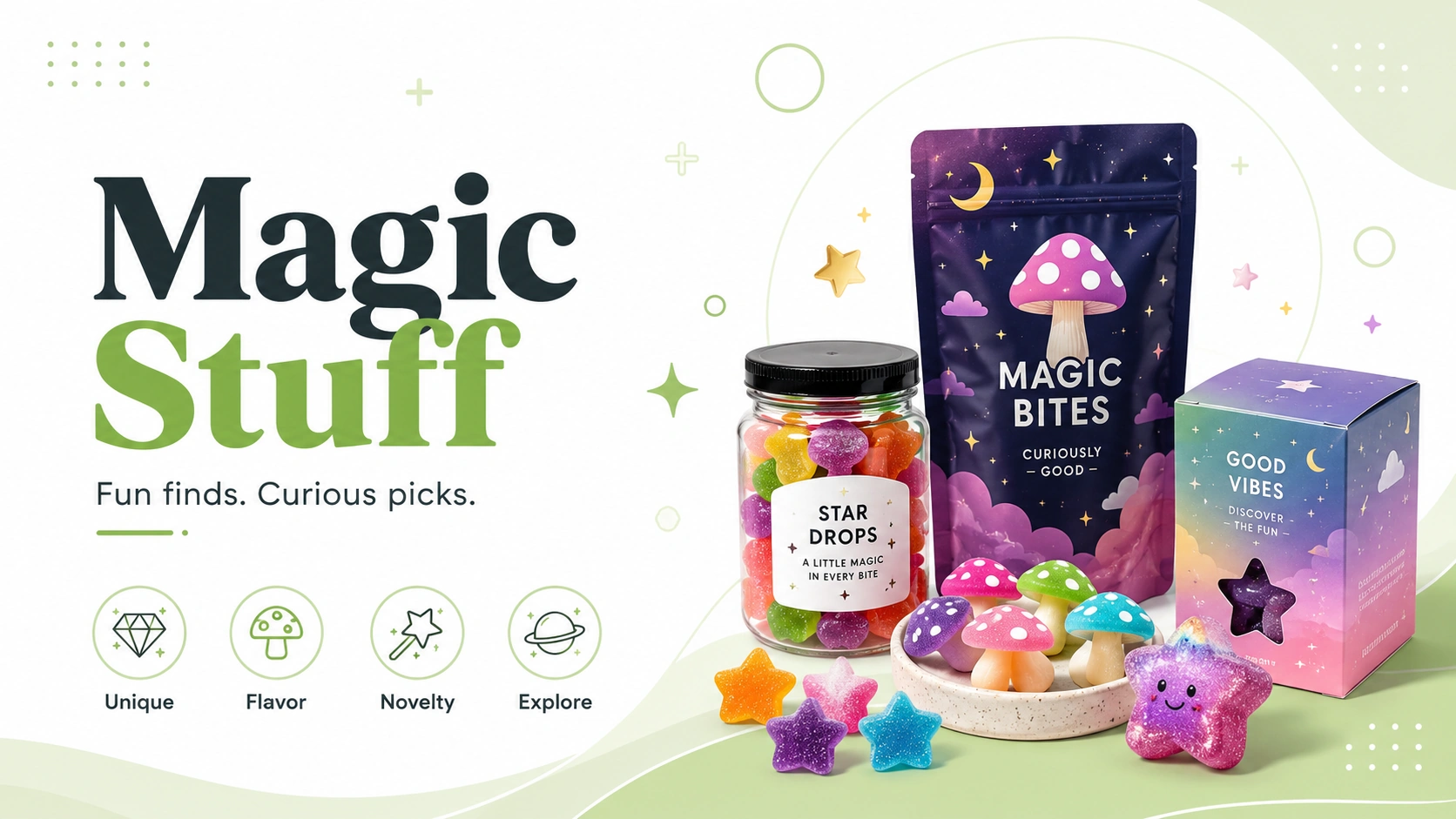
Knowing how to read a magic mushroom menu is about slowing the title down. Start with format, then package information, listed amount, listing details, and current selection.
Identify the Format First
Start by confirming whether the product is dried, chocolate, gummy, capsule, beverage, or another specialty format. Different formats use different package language.
Find Out What the Number Describes
A number may refer to total package amount, amount per piece, piece count, product weight, or another label detail. The page or package should clarify which one applies.
Read Serving and Package Information
Where serving information is shown, read it beside the total package information. A front-facing title may not explain how the package is divided.
Check Current Selection
Specialty-product listings can rotate. Use the current P60 Magic Stuff category for current products.
Important Boundary
This resource helps adults 19+ compare menu formats, package labels, and current listing details.
Current P60 Links
Related Resources
Magic Mushroom Formats Explained
Format tells you how the product is packaged. It does not answer every question by itself.
How to Read a Cannabis Menu Without Getting Lost
A clean menu-reading system for adults 19+ who want fewer tabs, fewer guesses, and a better next click.